The office board everyone actually reads.
Nobody reads the TV dashboard in the corner. A Vestaboard is different: when it flips, heads turn. It welcomes visitors by name at reception, shows the sales leaderboard, counts down to launches and announces wins, updated automatically from your systems.
What offices put on a Vestaboard
Visitor welcomes, by name
Pulled from the meeting in Outlook or your visitor system, so the board greets each guest as they walk into reception or the lobby.
Sales leaderboards and deals won
Live from Dynamics 365 or your CRM: today's numbers, who's leading and a shout-out whenever a deal closes.
KPIs, targets and countdowns
Tickets closed, uptime, days to launch or the quarterly target, a few numbers that matter rather than a dashboard nobody opens.
Announcements, birthdays and milestones
Town halls, new starters, work anniversaries, the Friday drinks location. It's a physical noticeboard that updates itself.
Why a split-flap display beats another screen
Offices are full of screens, and people have learned to ignore them. A split-flap display is movement and sound, then stillness: it catches attention when something changes and fades into the design when nothing does. No glare, no screensaver and no "input not found".
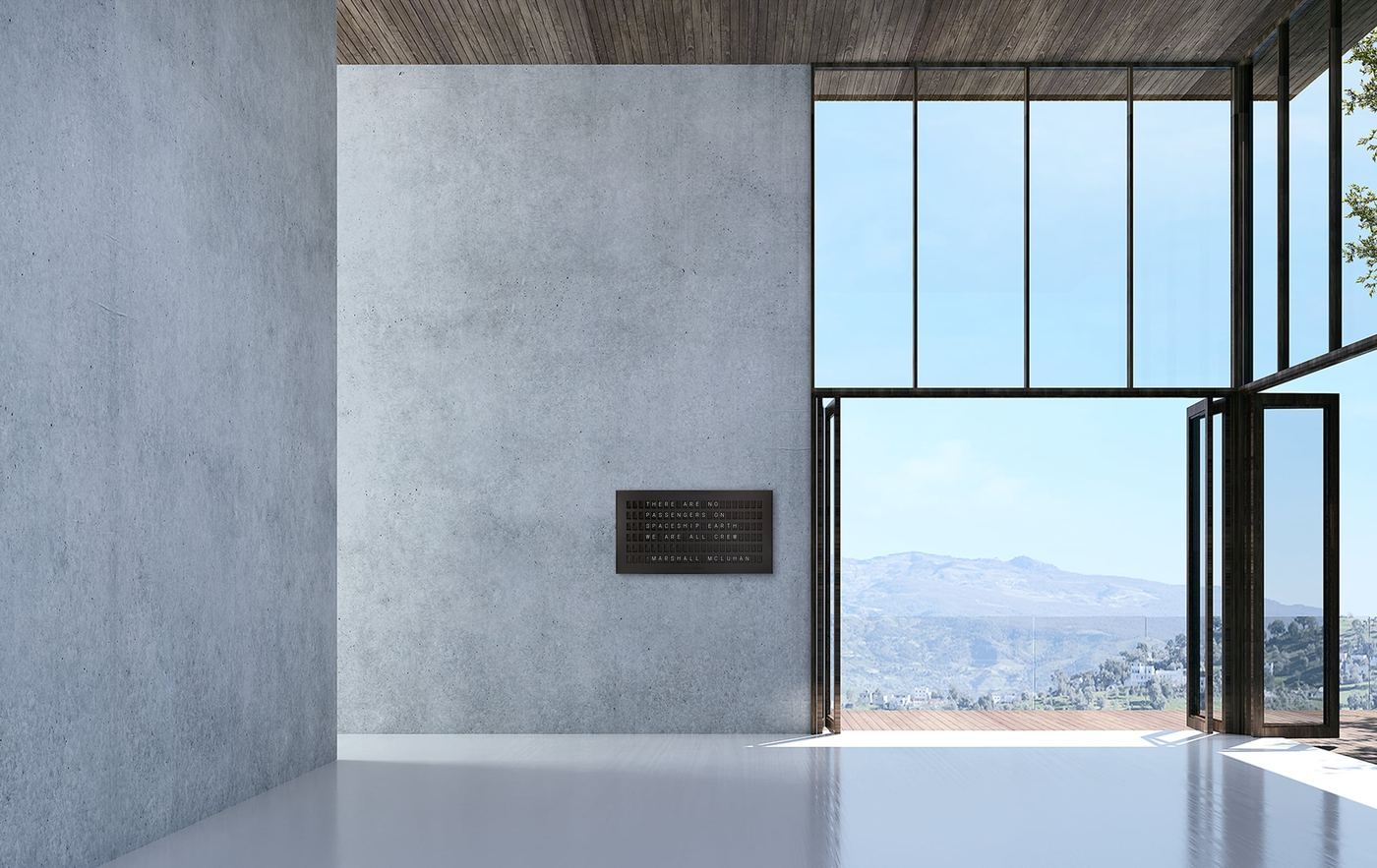
It also looks the part. In a reception or lobby, a Vestaboard reads as a design piece, closer to an architect's choice than an IT purchase.
Connected to the systems you already run
This is where we differ from a box-shifter. We build Dynamics 365 systems and AI automations for a living, so your board can be driven by the data you already have.
- Dynamics 365 and Power Automate: deals, leads, cases and targets
- Outlook and Teams calendars: welcomes and meeting room schedules
- Power BI or SQL: a few KPIs, refreshed on a schedule
- GitHub Actions and CI/CD: deploys and build status for tech teams
- AI-written daily summaries fitted to the board
- Several boards across floors or offices, from one integration
More detail on Vestaboard API integrations and on office installation, including corporate networks.
Vestaboard for offices: common questions
Can a Vestaboard welcome visitors by name automatically?
Yes. An integration can read the day's meetings from Outlook or your visitor management system and post a welcome message to the reception board as each guest is due.
Can a Vestaboard show sales figures from Dynamics 365?
Yes. We connect the board to Dynamics 365 through Power Automate or a custom service, so deals won, targets and leaderboards post automatically.
Can multiple people in the office post to the board?
Yes. Team members can be invited to post from the Vestaboard app, and integrations can post automatically alongside them, with priorities so important messages aren't overwritten.
Where should a Vestaboard go in an office?
Reception, the lobby, the kitchen or break area, or facing a sales or operations floor, wherever people pass or wait. We check sightlines, power and network during the site assessment.
Will it work on our corporate network?
Yes, with the right setup. Corporate firewalls and managed Wi-Fi often block new devices, so we work with your IT team or provider to allow the board or give it its own network.
Can we run more than one board?
Yes. One integration can drive several boards across floors or offices, each showing different content or the same announcement at once.
Vestaboard Australia: reseller & supply
Vestaboard and Vestaboard Note supplied in Australia, with pricing, models and FAQs.
Vestaboard installation in Brisbane
Mounting, power and network setup on-site, tested before we leave.
Vestaboard API integrations
Dynamics 365, POS, Power Automate, Home Assistant, Spotify and custom software.
Vestaboard for cafes & restaurants
A split-flap menu board for specials, drinks and order-ready numbers.
Vestaboard for the home
Kinetic wall art for the kitchen or living room, with Home Assistant and Spotify.
Put a Vestaboard in reception
Tell us about your office and your systems, and we'll quote the board, installation and integration.